Auto Acoustics

Car Stereo and Window Tint

(919) 493-5473 Celebrating 35 Years!
  • Home
  • Services
    • ATV/UTV Upgrades
    • Car Audio
    • Driver Safety
    • Jeep Accessories
    • Marine Audio and Lighting
    • Motorcycle Audio
    • Remote Starters
    • Truck Accessories
    • Window Tint
  • About Us
  • Location
  • Customer Reviews
  • Contact Us
  • Work For Us
  • Facebook
  • Instagram

The Importance of Professional Dashcam Installation

Dashcam Installation

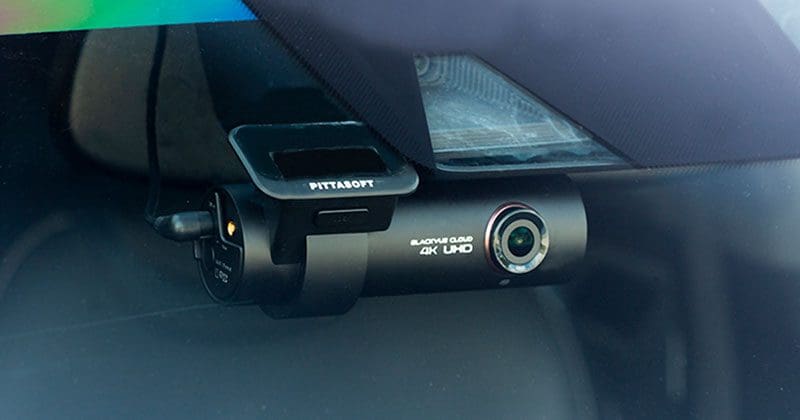
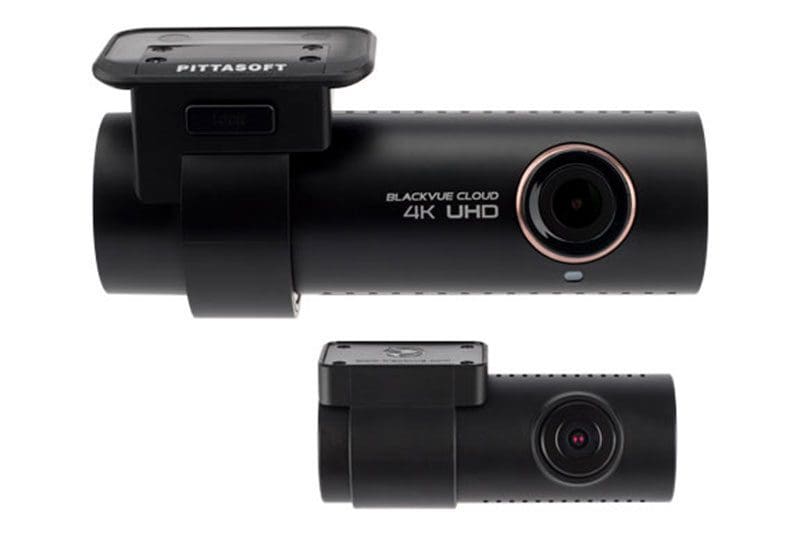
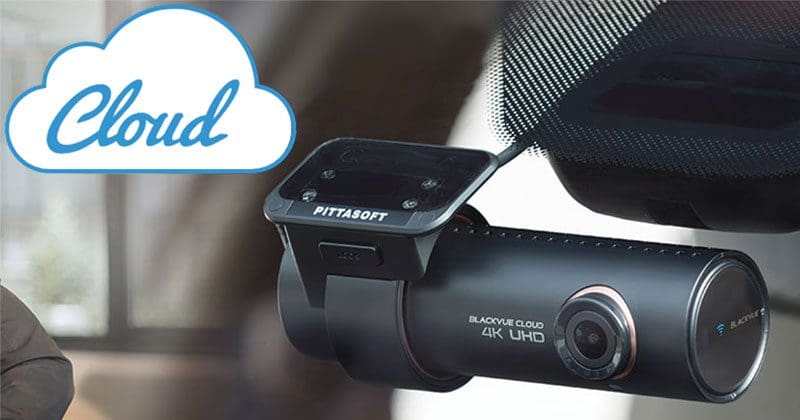
When it comes to dashcams, getting the right dashcam and having professional installation are key to creating a system that functions reliably and remains safe. Dashcams come in a variety of configurations with many options so that you can capture video of the events in front of and behind your vehicle. Proper installation not only ensures that the camera turns on when it’s supposed to but remains on in the event of an accident — without adding wire clutter to your vehicle interior. Let’s look at why professional installation is a wise choice.

Dashcam Power Options: 12V Charging Port

Dashcam InstallationYour dashcam system will be powered in one of two ways. Some cameras come with a power harness that has an integrated plug that connects to a 12V charging port (formerly known as the cigarette lighter socket). While it’s obvious how this type of power connection is made, running the wiring neatly is an issue. You’ve also used up your charging port. If you need to connect a smartphone charger or a portable navigation device, you may be out of luck. A professional installation technician can add a hidden power outlet or upgrade your system with a hard-wire harness to make sure things are neat and tidy.

Dashcam Power Options: Hard-Wired Connections

Dashcam InstallationThe second charging option for dashcams are those systems that include a power plug with two or three bare wires at the end. To ensure that your camera operates reliably, these power wires need to connect to the proper wiring in your vehicle. Knowing which wires to use so that the camera functions reliably can be tricky. With modern computer-controlled data networks used in many vehicles, you can easily damage control modules if you guess incorrectly or use improper test equipment to probe wires or terminals. Hard wiring a dashcam isn’t a task we’d recommend for someone without proper training.

Concealed Wiring

The first and easily the most important benefit of having a professional install your dashcam is the confidence you have in their making the right connections. The second benefit is that all the wiring will be routed safely through the vehicle in a way that won’t interfere with safety systems like airbags in the dash or A-pillars. Knowing how to remove the associated trim panels to conceal wiring takes experience, something a specialist mobile enhancement retailer can offer.

Dashcam Installation
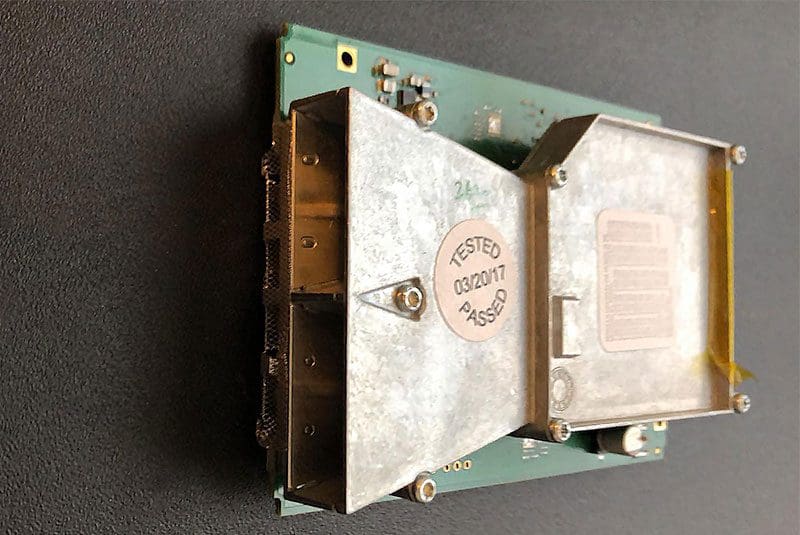
All wiring must be routed safely around airbags. The dashcam system and remote car starter antenna in this vehicle could easily be ripped off of the windshield if the airbag inflates.

Wiring Reserve Power Sources

Dashcam InstallationMany people who purchase dashcams add a battery pack or power management system so that they can use the parking mode feature of their camera system without fear of draining their vehicle’s battery and leaving them stranded. The first installation consideration for these modules is that they are mounted securely. The last thing you want is a 4-pound metal box flying around the interior of your vehicle if you’re in a serious accident. Second, the unit needs to be wired correctly to ensure that enough current can be provided so that it can charge again once you start the car. Some larger battery packs draw significantly more current than a standard 12V accessory plug can supply.

Dashcam Setup and Alignment

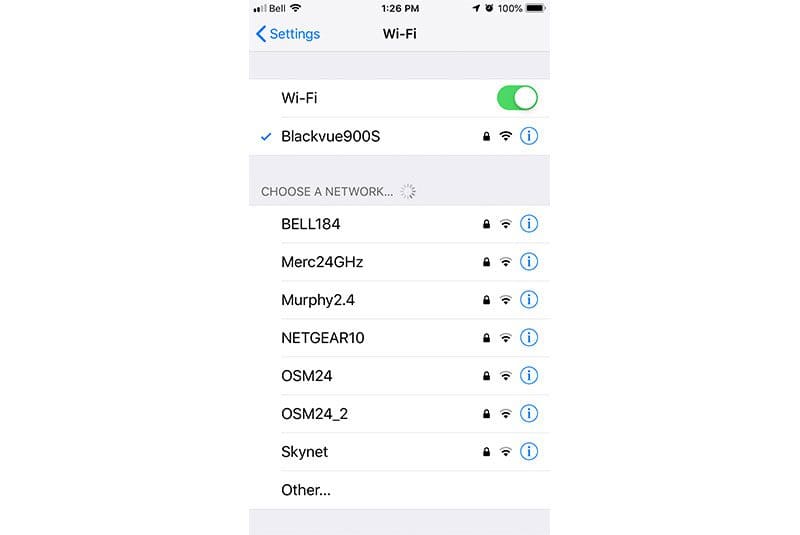
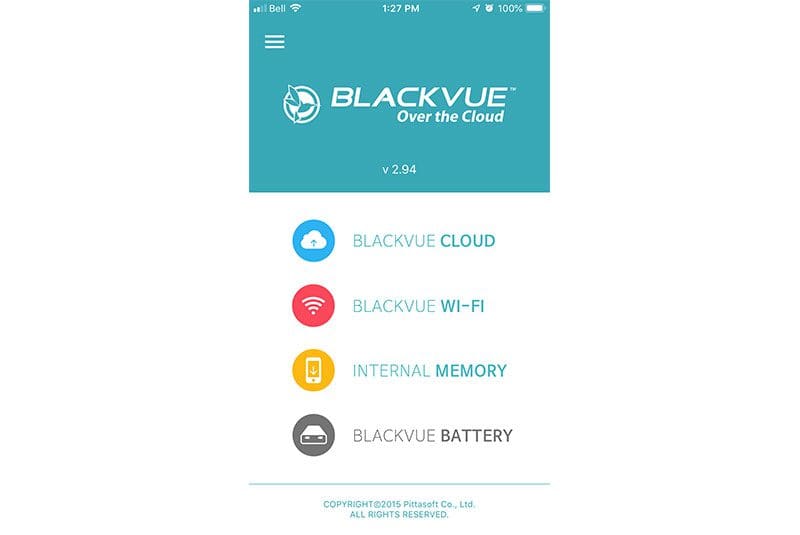
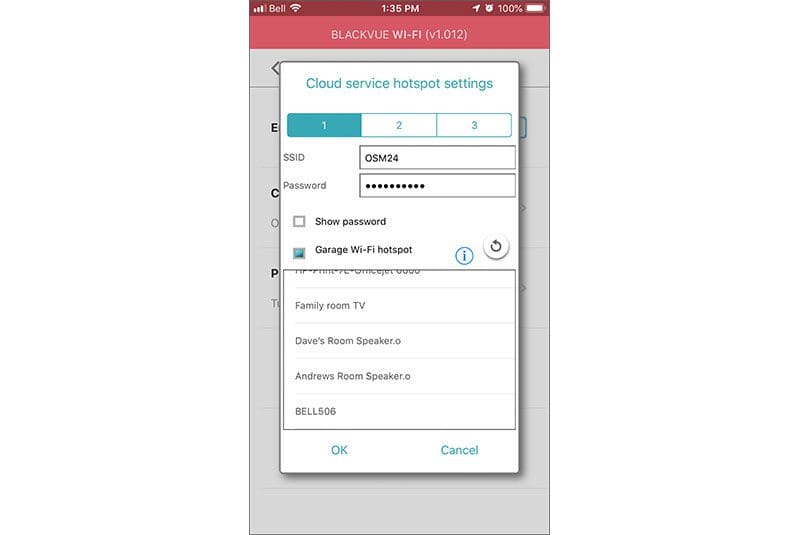
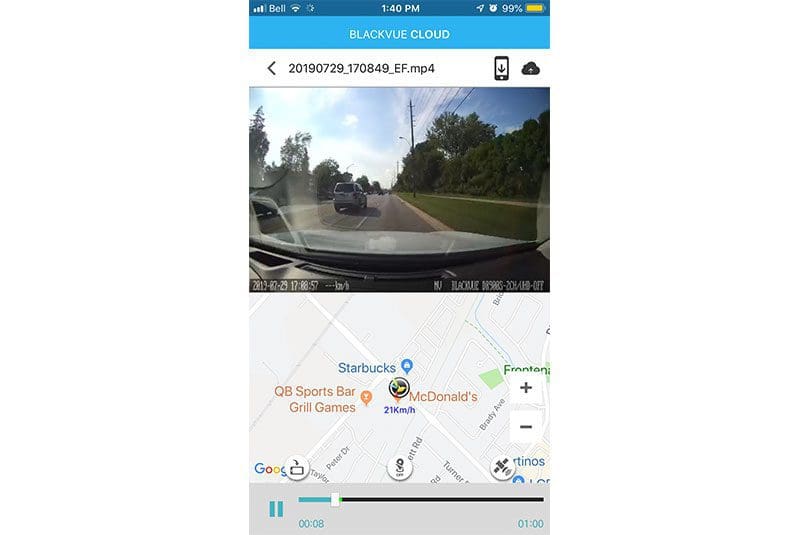
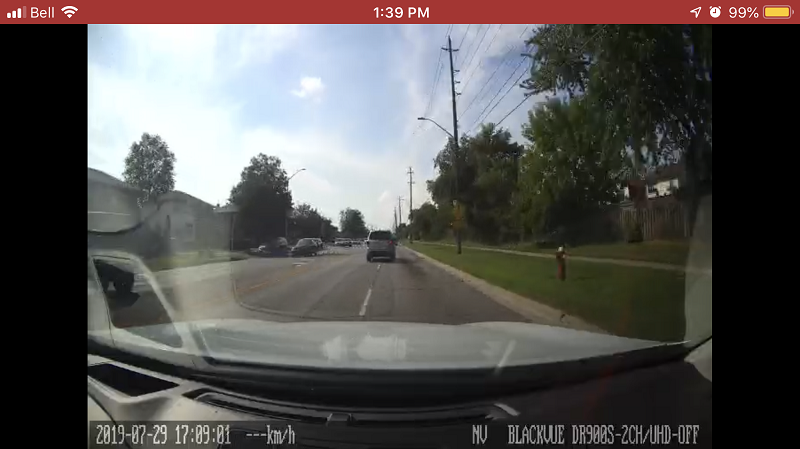
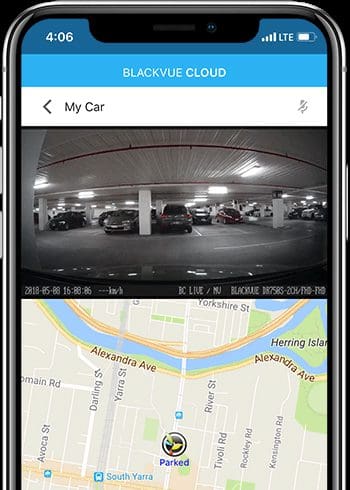
Dashcam InstallationIf you have chosen a dashcam with an integrated display, ensuring that the camera is aligned perfectly is pretty easy. If your camera has Wi-Fi connectivity, chances are that the manufacturer also has a smartphone app that will let you view the camera image. No screen and no Wi-Fi? No worries: Your installation technician can check a sample of the video footage on a computer to make sure everything is aligned correctly. Settings for the shock and motion sensors, time zone, daylight saving time and smartphone connectivity should also be set by the technician.

Some camera systems have specific requirements to format the SD or micro SD memory card they use to store video. Having your dashcam installed by a professional means that you don’t have to worry about this procedure. Your car, truck or SUV will leave the shop with the system working perfectly.

Choose the Right Retailer To Install Your Dashcam System

As with any aftermarket accessories, buying quality products and having them installed and configured properly is more important than getting the best price. When you are shopping for a camera system, be sure to ask about what the business offers in terms of installation services. You want both the dashcam and the professional installation to be reliable. Drop by your local specialist mobile enhancement retailer today to find out how a dashcam system can protect you from fraud and false accusations or capture the next “I can’t believe that just happened” moment on your drive to work.

This article is written and produced by the team at www.BestCarAudio.com. Reproduction or use of any kind is prohibited without the express written permission of 1sixty8 media.
Filed Under: ARTICLES, Driver Safety, RESOURCE LIBRARY

Product Spotlight: KICKER KMC5

KICKER KMC5

Going back a few decades, only a handful of car audio manufacturers offered marine-specific source unit options. These were often car radios with oversized front panels with waterproofing features. Now, there are dozens of companies that offer marine source units. One that stands out for its features and performance is the KICKER KMC5, which is the subject of this product spotlight. Let’s check it out!

Features of the KICKER KMC5

The KMC5 is a marine source unit with a face measuring 5.5 inches wide and 3.5 inches tall. The radio mounts through a three-inch hole, so it can replace a small round unit or a large gauge in an instrument cluster. If nothing else, drilling the mounting hole with a hole saw is much easier for your installer than cutting out a rectangle with an air saw. The radio needs about seven inches of clearance behind the mounting surface for the chassis and wire connections. The front panel is IP66 rated, so you don’t have to worry about rain or splashes causing issues. Of course, KICKER’s Real Marine rating means the radio is built with materials that won’t fade, chalk, crack, or corrode when exposed to the sun or saltwater.

The radio features a sunlight-viewable 3.5-inch full-color LCD screen that provides a clear view of what’s playing from a USB thumb drive, SiriusXM satellite radio, or the built-in AM/FM tuner. USB support is compatible with FAT32-formatted thumb drives, and media formats include MP2, MP3, WMA, WAV16, FLAC, AAC, ALAC, and M4A. You can also stream music or a service like Pandora, iHeartRadio, Spotify, or Apple Music over the Bluetooth A2DP connection. The radio includes Bluetooth AVRCP so you can control your smartphone or media player from the source unit.

While we are on the topic of audio sources, it’s worth noting that the KMC5 includes a Weatherband tuner and an auxiliary input. You can use the input with something like a TV, DVD player or media player if you have a larger boat. Speaking of video, the KMC5 has a video input that can be used with an optional backup camera. There’s an external trigger included, so the rear camera can be activated with a switch at the helm. This would be a great option for backing a boat into a narrow slip at the marina.

If you’ve looked closely at the buttons on the face, then you might have seen the Favorite option. This is a quick-access button to whatever source, radio station or weather information channel you want.

KICKER KMC5
The front panel of the KMC5 radio features a 3.5-inch color display, making it easy to see what’s playing.

System Features and Specifications

Moving on from source options, we should discuss the outputs from the radio. The KMC5 includes six channels of amplification, each rated to deliver 25 watts into a 4-ohm load and 40 watts into a 2-ohm load. You’ll notice the power wire on the amp harness is larger than the typical 14- or 16-gauge conductor you’d find on a 22-watt x 4 radio. Your installer may need to run a dedicated 10-AWG cable for power and ground to the fuse panel at your point. Hey, if you want an amp, even one in a source unit, to produce power, you need to feed it power properly.

On the preamp side, the radio includes stereo front and rear outputs, a pair of subwoofer outputs and a 2-zone RCA output. The fifth and sixth speaker output connections are assigned to the second audio zone output. So, you could power speakers beside the TV, in the galley or a berth. If you are using the preamp outputs with a separate amplifier, the second audio zone might be ideal for a set of wakeboard tower speakers. This system design would give you separate control of the zone-2 volume. In fact, you can rename this separate zone to Tower, Transom, Cockpit, or Interior in the setup menu. You can also configure the Zone-2 volume to track the main volume or be adjustable on its own.

KICKER KMC5
The KICKER KMC5 features a dedicated second output zone that can function with the master volume control or on its own.

Audio Features

The KICKER KMC5 includes an adjustable high-pass crossover for the front and rear speaker and preamp outputs. The filter can be set to 50, 80, or 120 hertz to suit the size of the speakers in the system. The radio has two tone-control options. It has conventional bass, midrange and treble adjustability, or it can be switched to Custom EQ mode. The Custom EQ includes Rock, Pop, Jazz and custom options. In the custom menu, you can boost or cut audio at 50, 125, 250, 500, 1k, 3k, and 8k Hz center frequencies to fine-tune the system.

You can expand the KICKER KMC5 with the two-inch KRC12 remote or the KRC55 Digital remote. The KRC55 includes a color display that replicates what’s shown on the main radio screen.

KICKER KMC5
The KMC5 ships with black and chrome trim rings, so your installer can match the radio’s style to the rest of the helm.

Upgrade Your Boat with the KICKER KMC5 Today!

If you are in the market for a full-featured multimedia radio for your boat, or even a side-by-side or UTV, then drop by a local authorized KICKER retailer today and ask about the KMC5 radio. You can find a KICKER dealer near you by using the locator tool on their website.

Be sure to follow KICKER on Facebook, Instagram, and YouTube to learn more about their impressive car audio, marine, motorcycle, powersport and lifestyle product offerings.

This article is written and produced by the team at www.BestCarAudio.com. Reproduction or use of any kind is prohibited without the express written permission of 1sixty8 media.
Filed Under: ARTICLES, Marine Audio, PRODUCTS, RESOURCE LIBRARY Tagged With: KICKER

Rear Seat Entertainment Options for Your Next Vacation

Rear Seat Entertainment

If you’ve ever been on a road trip with the kids, you’ve undoubtedly heard someone ask, “Are we there yet?” on more than one occasion. If a rousing game of Go Fish or playing the license plate game aren’t cutting it, drop by your local specialist mobile enhancement retailer and ask them which rear seat entertainment options are available for your vehicle.

What Is Rear Seat Entertainment?

Rear Seat EntertainmentQuite simply, rear seat entertainment is like having a television in the back of the vehicle. Depending on the design of your vehicle, you can choose from a roof-mounted flip-down monitor or upgraded headrests that replace those built into the front seats.

Originally, these screens were connected to a VCR that would be installed in the back of the vehicle. The source options soon evolved to stand-alone DVD players, then to include built-in DVD playback solutions in the headrest themselves. Modern solutions include a USB, SD card or microSD card port and an Android operating system to let you play digital video files stored on a portable device.

Option 1 – Clamp-On Video Systems

Rear Seat Entertainment
This clamp-on headrest solution includes DVD playback as well as support for MPEG-2, DivX and Xvid files stored on an SD card or USB memory stick. Black, gray and tan bezels are included to match the installation to your vehicle interior.

The easiest solution for adding video playback capabilities to your vehicle is to have your installer mount a clamp-on monitor system. The options vary in size from 7 through 10 inches. The monitors clamp to the adjustable headrest posts on the front seats, and the monitor angle can be adjusted so that the kids can see the screen clearly. Almost all systems come with wireless headphones so you don’t have to listen to Dora the Explorer or Finding Nemo for the 400th time.

Option 2 – Replacement Headrest Monitors

Rear Seat Entertainment
Many headrest systems include built-in DVD players, and you may even have the option of adding a wireless controller to play video games integrated into the screens.

For a less cluttered look, ask about replacement headrests. Many companies like Advent and Audiovox will build systems to match the shape of the factory headrests and even wrap them in leather and stitching that match the vehicle perfectly. With a replacement headrest, all the wiring is concealed and the systems function with the ignition key.

Option 3: Overhead Monitors

Rear Seat Entertainment

If the front seats of your car, truck or SUV don’t have adjustable headrests, you may want to look into an overhead monitor. As long as your vehicle doesn’t have a large sunroof, your installer can mount one of these amazing video systems right to the roof of the vehicle. Screens are available in sizes from 10 to 19 inches. Many include HDMI inputs and support for 1080p file playback for a truly high-resolution viewing experience.

Many overhead monitors include LED dome lights, since the ideal location to install these monitors is in place of the factory dome light panel.

Important Installation Considerations

Rear Seat EntertainmentBefore you go shopping, it’s worth doing some quick investigation into the safety systems in your vehicle. Some cars and trucks have active headrests. These systems change position automatically using the same sensors as the airbag system to reduce the risk of head and neck damage in an accident. Under no condition should you ever remove or modify these systems. Take your vehicle owner’s manual into the store with you when you go shopping.

Also worth inquiring about is how the mobile electronics retailer you are dealing with will secure an overhead monitor to your vehicle. For the monitor to function properly, it needs to be solidly mounted to the roof or its support structure. Attaching it to a cardboard headliner may not be adequate to prevent it from coming loose in an accident. Sorry, we don’t want to scare anyone, but we do want to make sure you are always safe.

Make Your Next Road Trip More Fun with a Rear Seat Entertainment System

If you are planning a road trip this summer, drop by your local specialist mobile enhancement retailer to find out about the rear seat video entertainment system options that are available for your vehicle.

This article is written and produced by the team at www.BestCarAudio.com. Reproduction or use of any kind is prohibited without the express written permission of 1sixty8 media.
Filed Under: ARTICLES, Mobile Video, RESOURCE LIBRARY

Why Dashcam Resolution Matters

Dashcam Resolution

One of the key specifications you should look at when buying a dashcam is its resolution specification. Resolution refers to the number of pixels that the video camera records. This specification directly translates to how much usable detail the system offers. If you witness dangerous driving or an accident, being able to provide accurate information about the parties involved is crucial. In this article, we’ll compare images from dashcams from AccFly and Mio and the flagship product from BlackVue.

What Is Field of Vision?

In talking to consumers, it appears that some people get confused by the difference between the camera’s field of vision and its image resolution. Field of vision describes what the camera sees and is specified as an angle from the center of the lens. With a higher field of vision specification (also called viewing angle), the camera can see farther to the sides of the vehicle. Here are a few examples.

Dashcam Resolution
This inexpensive camera has a field of vision specified as 120 degrees. You can see the first third of the car door on the left side of the screen and half of the sign on the right. Note the presence of the lens flare in the lower left corner of the image and the poor contrast of the text on the main shopping plaza on the right.


Dashcam Resolution
The DR900S-2Ch has a field of vision of 136 degrees. You can see most of the car door on the left and all of the sign on the right. Almost the entire dash of the car is in the image. Impressive! High-quality optics prevent light reflections within the camera and prevent lens flare. Advanced exposure compensation makes the sign information much clearer.

What Is Dashcam Resolution?

Resolution refers to the number of pixels contained in an image. More pixels mean that more detail and information can be captured. You can never have too much resolution.

Dashcam Resolution

In our comparison, we’ll look at our three cameras and compare cropped images of the back of the school bus to the left of the master image.

Dashcam Resolution
The writing on the back of the bus is illegible. You can only just make out the last two numbers of the bus number and the license plate is completely blurred.


Dashcam Resolution
Stepping up to the 1296p resolution of the Mio makes the bus number legible. You can almost make out the license plate number.


Dashcam Resolution
The 2160p resolution of the BlackVue DR900S-2CH makes reading the writing on the back of the bus very easy. Not only can you read the bus number and license plate, but the writing on the door is also legible.

Dashcams Are a Great Safety Investment

The motivation for this article came from a friend who was in a sideswipe accident. The car that hit him kept on driving. Although his dashcam recorded that it was a blue Honda sedan, he couldn’t read the license plate, and the police were never able to find the owner.

If you are shopping for a dashcam, choose one with great optics and a high-resolution image sensor. You only get one chance to record details like a license plate. Drop by your local specialist mobile enhancement retailer to find out what is available for your vehicle.

This article is written and produced by the team at www.BestCarAudio.com. Reproduction or use of any kind is prohibited without the express written permission of 1sixty8 media.
Filed Under: ARTICLES, Driver Safety, RESOURCE LIBRARY

Will Start-Stop Technology Affect Aftermarket Electronic Upgrades?

Stop-Start Technology

Many new cars and trucks come with a feature called stop-start technology. This system senses when the car is stopped at a red light or stop sign and shuts down the engine to save fuel. As soon as you release the brake pedal, the engine starts up again, and you’re on your way. The question for those of us who are interested in upgrading our vehicles is, does this technology work with our new electronics? Read on to find out if your new high-power amplifier, dash camera or radar detector will get upset when your car stops and starts.

How Does Stop-Start Technology Work?

Almost all new cars are controlled by computers. As such, the act of turning off your engine at a stop light is as simple as cutting spark to the ignition system and fuel injectors. To restart the car again, the vehicle initiates the start-up sequence as though you pressed the start button on the dash. The radio keeps playing, the climate control system keeps running and all the lights stay on while the engine is off. Other than an eerie silence and a split-second hesitation when it’s time to drive off, you don’t really notice anything.

Stop-Start Technology

In the background, the computer in your car is monitoring several systems to determine when it should stop the engine and when it needs to start it again. If it’s summer and you’re running the air conditioning, the computer will monitor the temperature in the vehicle. If it starts to warm up, it starts the engine so the compressor can run. If it’s winter and you have the heated seats and rear window defroster running, the system pays close attention to the current draw on the battery and its voltage. Brake pedal pressure, the position of the clutch (if you have one), engine coolant temperature, a buckled seat belt and many other conditions determine whether the engine will stop at a light and when it will restart.

What’s the Problem with Stop-Start Systems?

While saving fuel seems like a great idea, there is a drawback to this system in terms of aftermarket electronics in your car. When the engine starts, there is a large draw from the vehicle battery. In some cases, the battery voltage can drop well below 9 volts. For many years, electronic devices designed for use in cars had a low-voltage cutoff around 10.8 volts. In cases where the voltage drops into the 9V or less region, your amplifier, signal processors, source unit, dash camera or radar detector may shut down, then restart once the voltage increases. If the voltage drop is extreme, problems with the microcontrollers in your devices may occur.

Stop-Start Technology
The maximum and minimum voltage readings from a three-month-old 2019 Hyundai Santa Fe with Idle Stop-Start technology.

Dealing with Stop-Start Vehicles

If you own a vehicle equipped with one of these fuel-saving technologies and are interested in adding aftermarket electronics, search for a specialist mobile enhancement retailer who is familiar with how they operate.

For low-power devices like signal processors, radar detectors, laser jammer and dashcams, voltage stabilization modules are available to help keep everything happy. Companies like ARC Audio design their new amplifiers and processors to handle these low-voltage conditions. Audison offers a product called the ES3 that will help maintain voltage to certain low-power devices. Work with your salesperson to choose products that list stop-start compatibility in their feature list.

Stop-Start Technology
The ARC Audio PS8-50 amplifier is designed to remain fully functional down to an impressive 6 volts, and the CPU can handle voltages as low as 4.5 volts.

You will also want to make sure that the battery or batteries in your vehicle are in good condition. Even after a few years of regular use or in even harsher conditions involving multiple short trips, batteries can build up a layer of sulfate on their lead plates that can dramatically reduce their current delivery efficiency. A high-quality battery charger with maintenance capabilities can be a great investment in maintaining the life of your batteries and, of course, will ensure that your vehicle is ready to go whenever you are. Some companies offer maintenance chargers specifically for start-stop batteries.

Stop-Start Technology
The CTEK MXS 5.0 includes charging cycles for conventional flooded lead-acid and AGM batteries. The Recondition mode can restore performance to an older, neglected battery.

Choose Your Technology Upgrades Wisely

If you’re thinking about upgrading the technology in your new car or truck that has stop-start technology, visit your local specialist mobile enhancement retailer and ask them about the solutions they have available.

This article is written and produced by the team at www.BestCarAudio.com. Reproduction or use of any kind is prohibited without the express written permission of 1sixty8 media.
Filed Under: ARTICLES, Car Audio, RESOURCE LIBRARY

  • 1
  • 2
  • 3
  • …
  • 40
  • Next Page »

Recent Articles

A dashcam

The Importance of Professional Dashcam Installation

April 19, 2026 

When it comes to dashcams, getting the right dashcam and having professional installation are key to creating a system that functions reliably and remains safe. Dashcams come in a … [Read More...]

KICKER KMC5

Product Spotlight: KICKER KMC5

April 6, 2026 

Going back a few decades, only a handful of car audio manufacturers offered marine-specific source unit options. These were often car radios with oversized front panels with … [Read More...]

The inside of a vehicle with a veiw from the backseat and how to train your dragon animated version showing through the windshield

Rear Seat Entertainment Options for Your Next Vacation

April 5, 2026 

If you’ve ever been on a road trip with the kids, you’ve undoubtedly heard someone ask, “Are we there yet?” on more than one occasion. If a rousing game of Go Fish or playing the … [Read More...]

A dash camera

Why Dashcam Resolution Matters

March 22, 2026 

One of the key specifications you should look at when buying a dashcam is its resolution specification. Resolution refers to the number of pixels that the video camera records. … [Read More...]

A speedometer

Will Start-Stop Technology Affect Aftermarket Electronic Upgrades?

March 8, 2026 

Many new cars and trucks come with a feature called stop-start technology. This system senses when the car is stopped at a red light or stop sign and shuts down the engine to save … [Read More...]

Subscribe!

Enter your email address to subscribe to our website and receive notifications of new posts by email.

Join 30 other subscribers

Customer Reviews

Subscribe to Our Website

Enter your email address to subscribe to our website and receive notifications of new posts by email.

Durham Location


Get directions to Auto Acoustics

Services

  • Car Audio
  • Driver Safety
  • Motorcycle Audio
  • Remote Starters
  • Truck Accessories
  • Window Tint

Hours

Monday, Tuesday, Wednesday, Thursday, Friday9:00 am – 6:00 pm

Connect With Us

  • Facebook
  • Instagram

Copyright © 2026 Auto Acoustics · Privacy Policy · Website by 1sixty8 media, inc. · Log in


Loading Comments...